
Nine tools that already know how a school runs.
Built for the parents who run PTAs, PTOs, Home & School Associations, and Parents Clubs — not adapted from a generic group chat or office tool. Every screen makes sense without a training video.
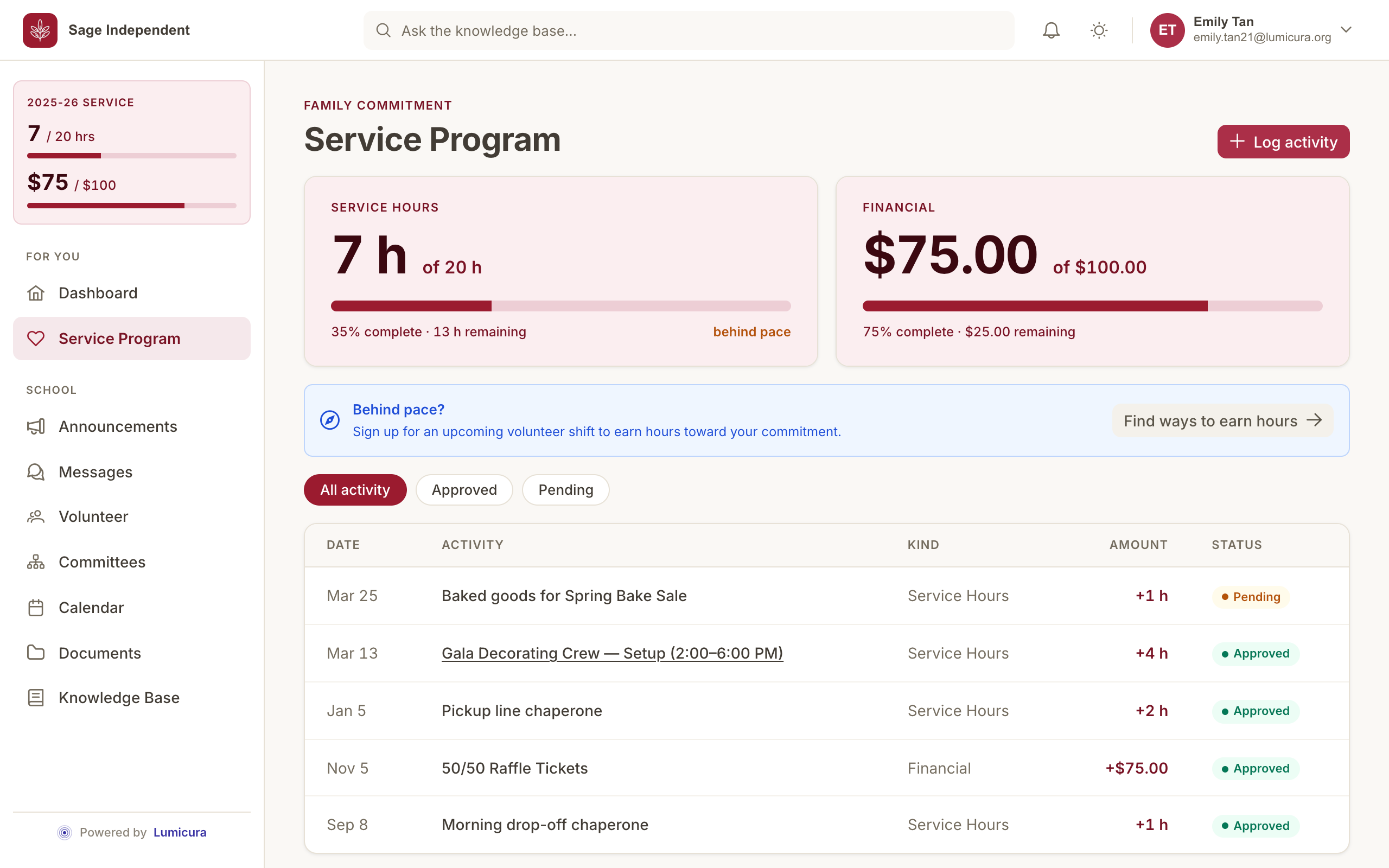
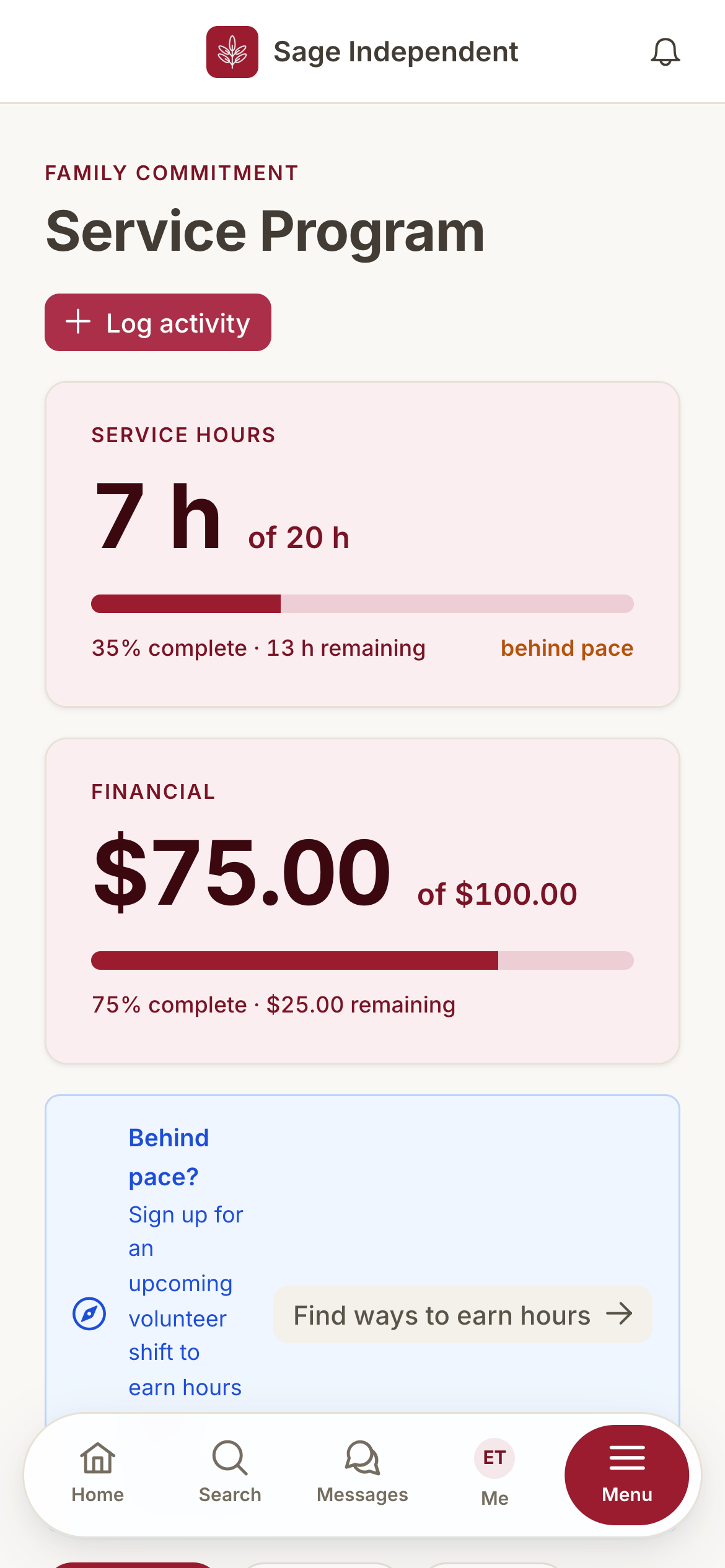
Every family knows exactly where they stand.
Most parent organizations track volunteer hours, fundraising, and buyouts in a tab-heavy spreadsheet that breaks every May. Parents find out in late spring they're short. Boards spend the summer arguing about who owes what. Lumicura ends that.
- Every change is tracked, and you can always undo a mistake. No more "I have no idea what the last treasurer did."
- Call it whatever your school calls it. Hours, service hours, Fundraising Program, points — the app uses your words.
- Real-time progress and friendly nudges. Parents see "12 hours to go, 3 open shifts this week" — never a year-end surprise.
- Buyouts, fundraising credits, hour conversions — whatever your bylaws say. Set the rules once; the math runs itself.
Plain-English news — and you can see who's read it.
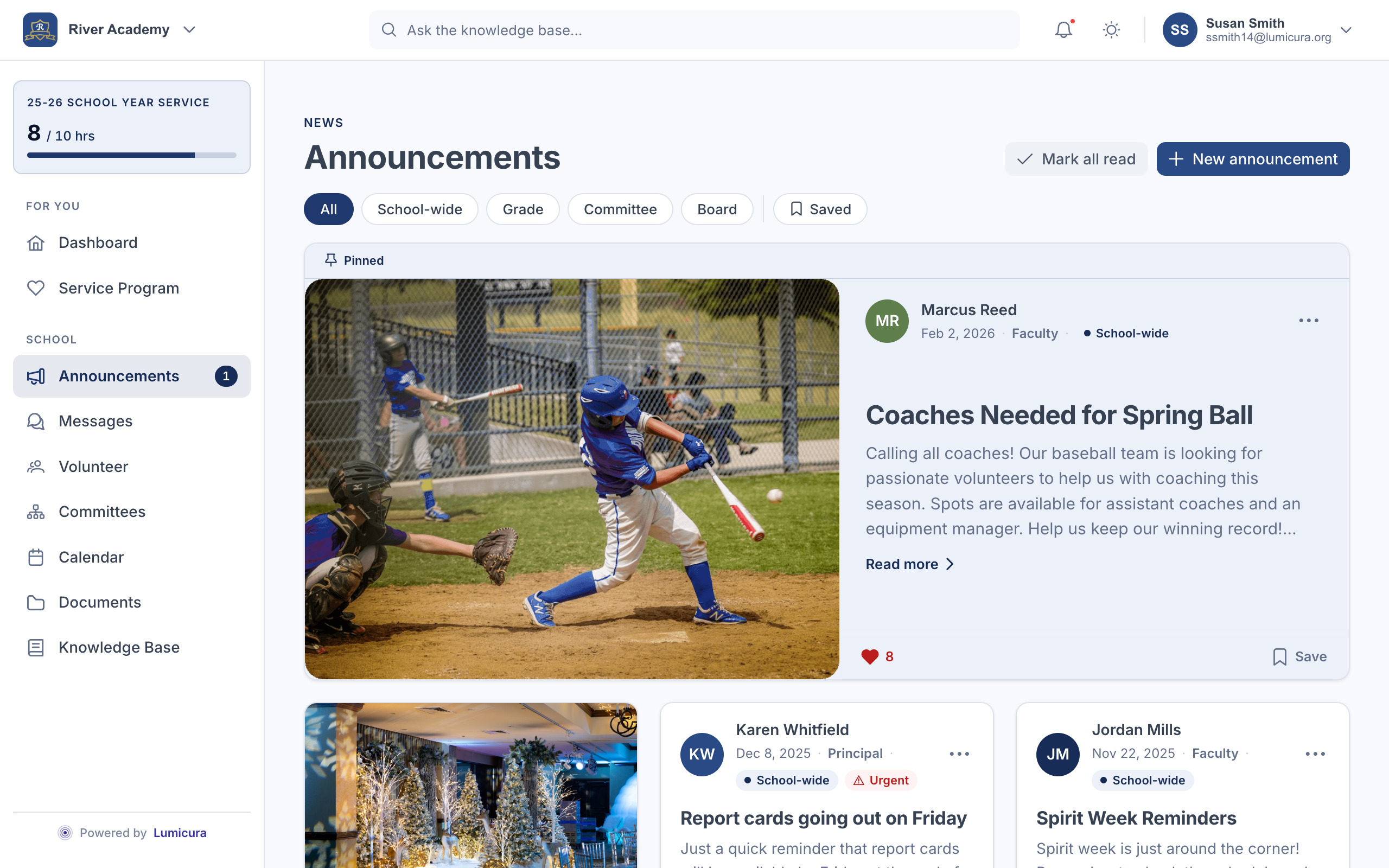
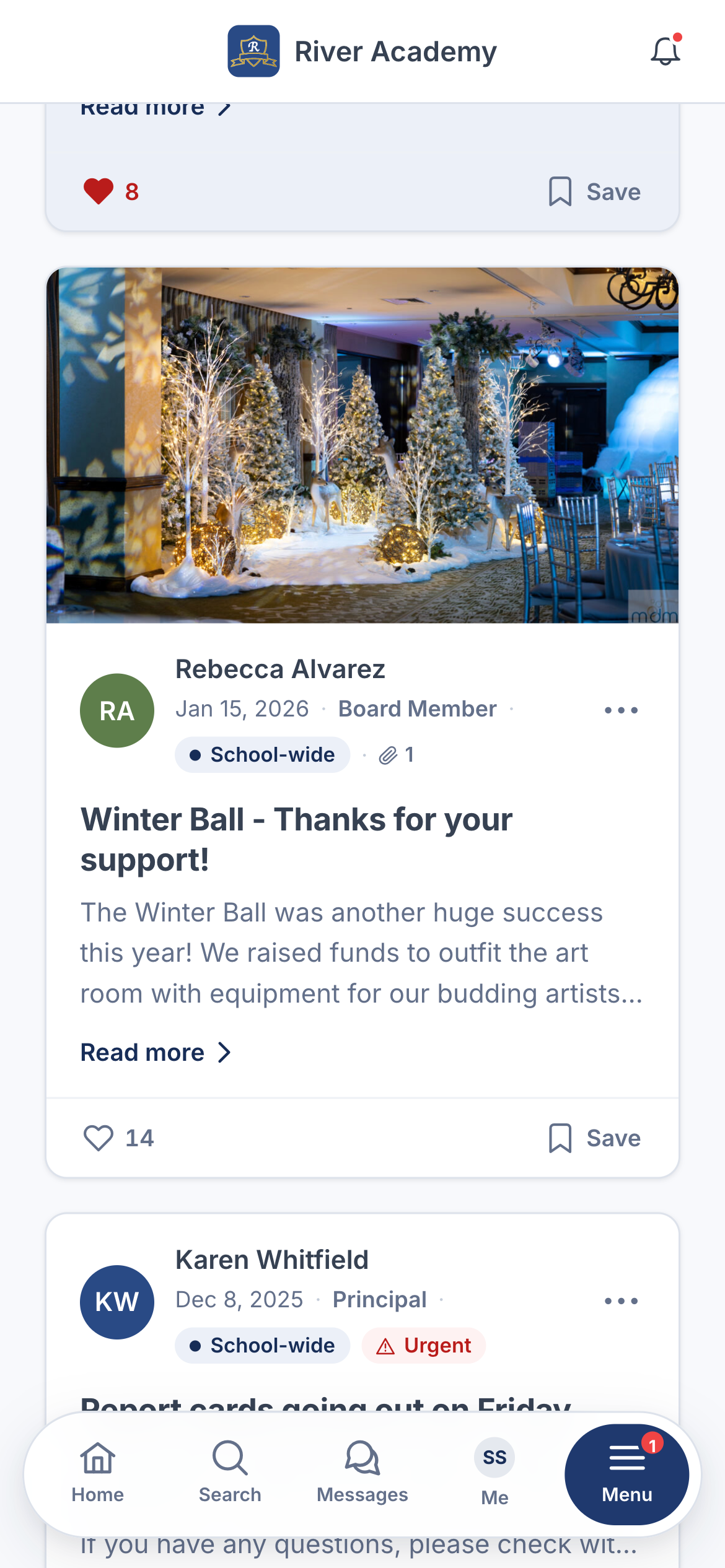
The all-school email blast can't tell you who actually saw the snow-day notice. Lumicura can — and pings every parent's phone when the news is urgent.
- Send to one class, one grade, one committee, or the whole school.
- See exactly who's opened each announcement and when.
- A separate channel for parents and for staff.
- Schedule for later, pin what's urgent, archive what's done.
Class chats — without the group chat drama.
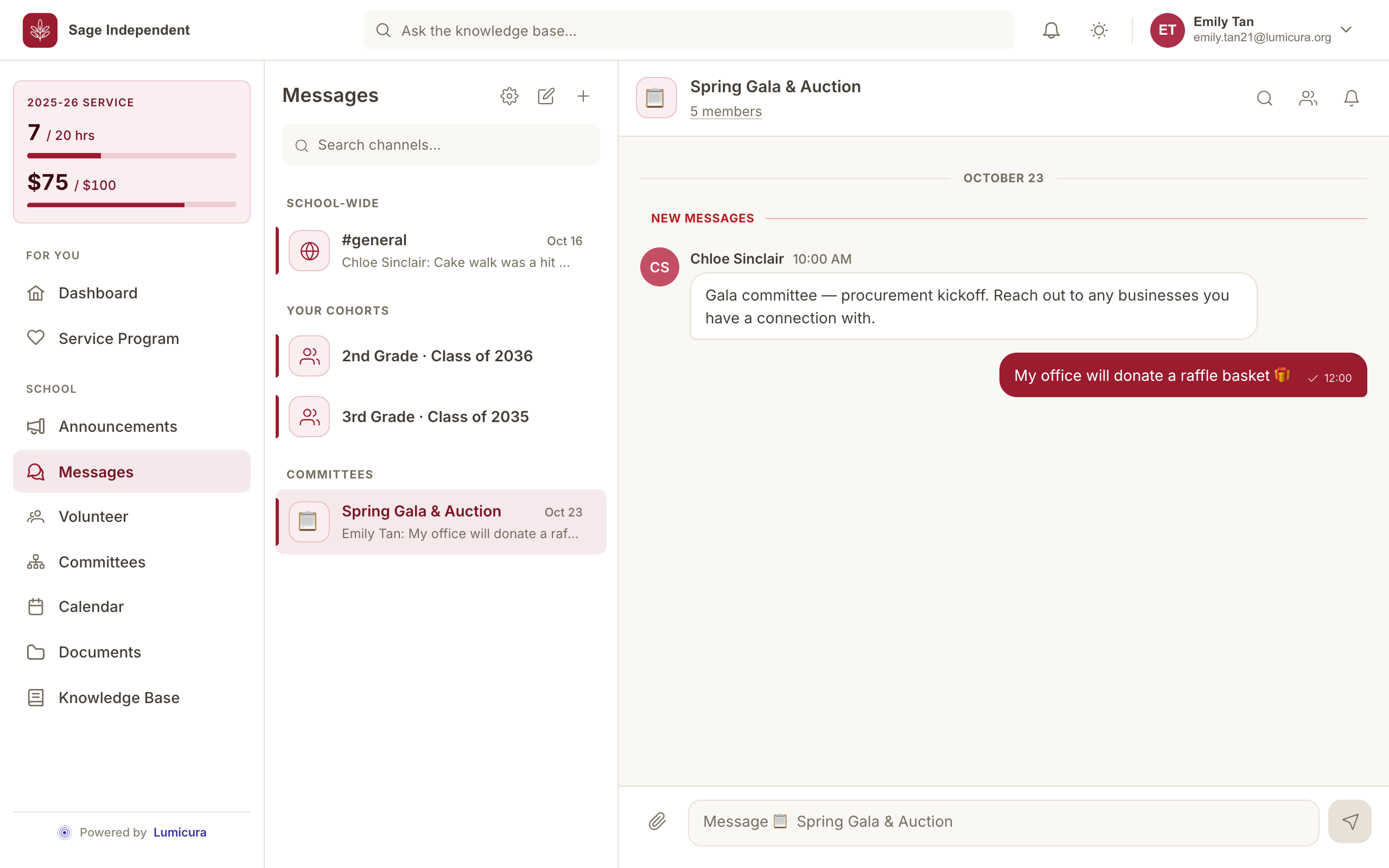
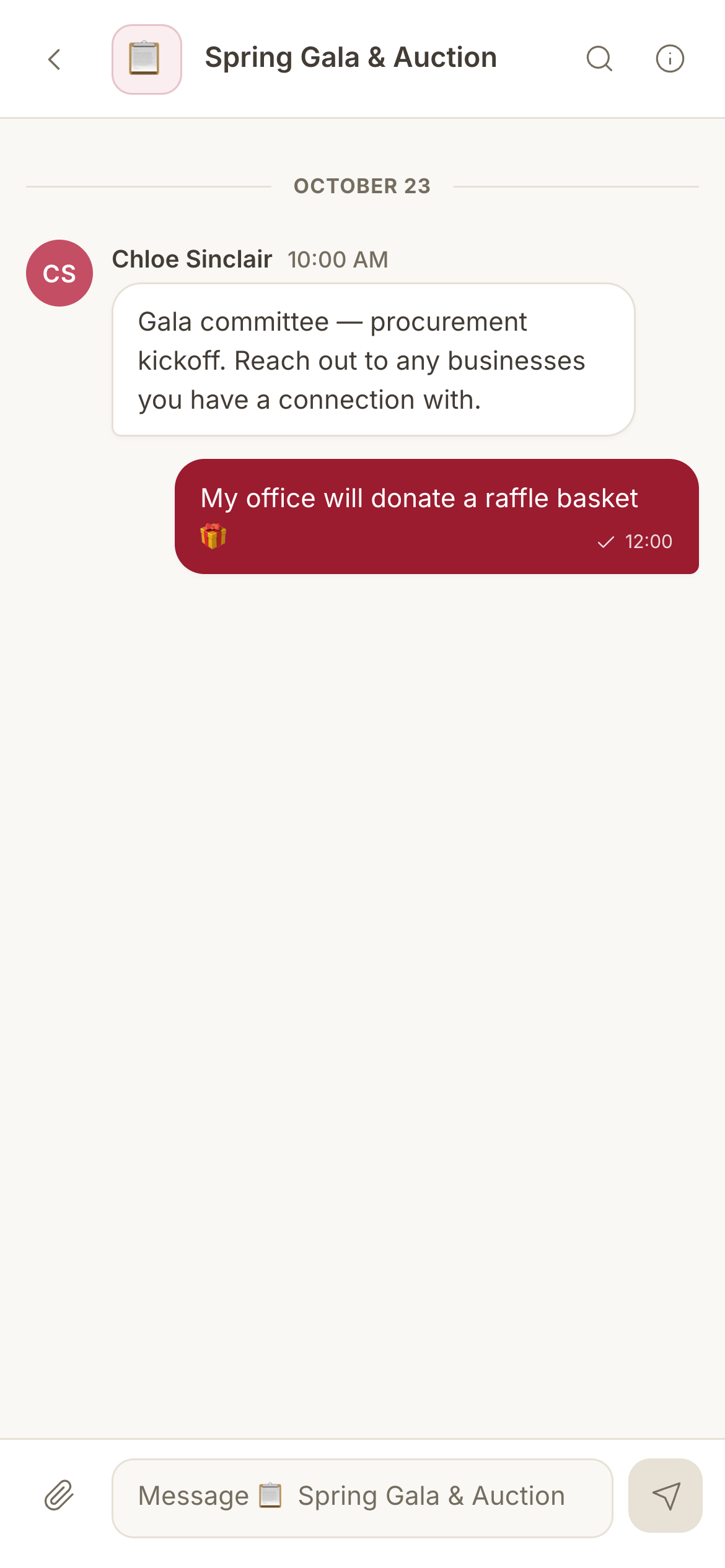
A chat for Ms. Patel's 3rd grade. A chat for the carnival committee. A private chat for the board. When the roster changes in September, the chats update themselves. No phone-number swaps. No DMs leaking school business.
- Class, grade, and committee chats fill and clear from the roster — automatically.
- Direct messages and quick ad-hoc groups, too — reach one parent without trading numbers.
- Share photos, files, and @-mention specific parents; every message is auto-moderated.
- Staff can step in and tidy a thread; any parent can mute or set quiet hours.
Sign up, show up, get credit. That's it.
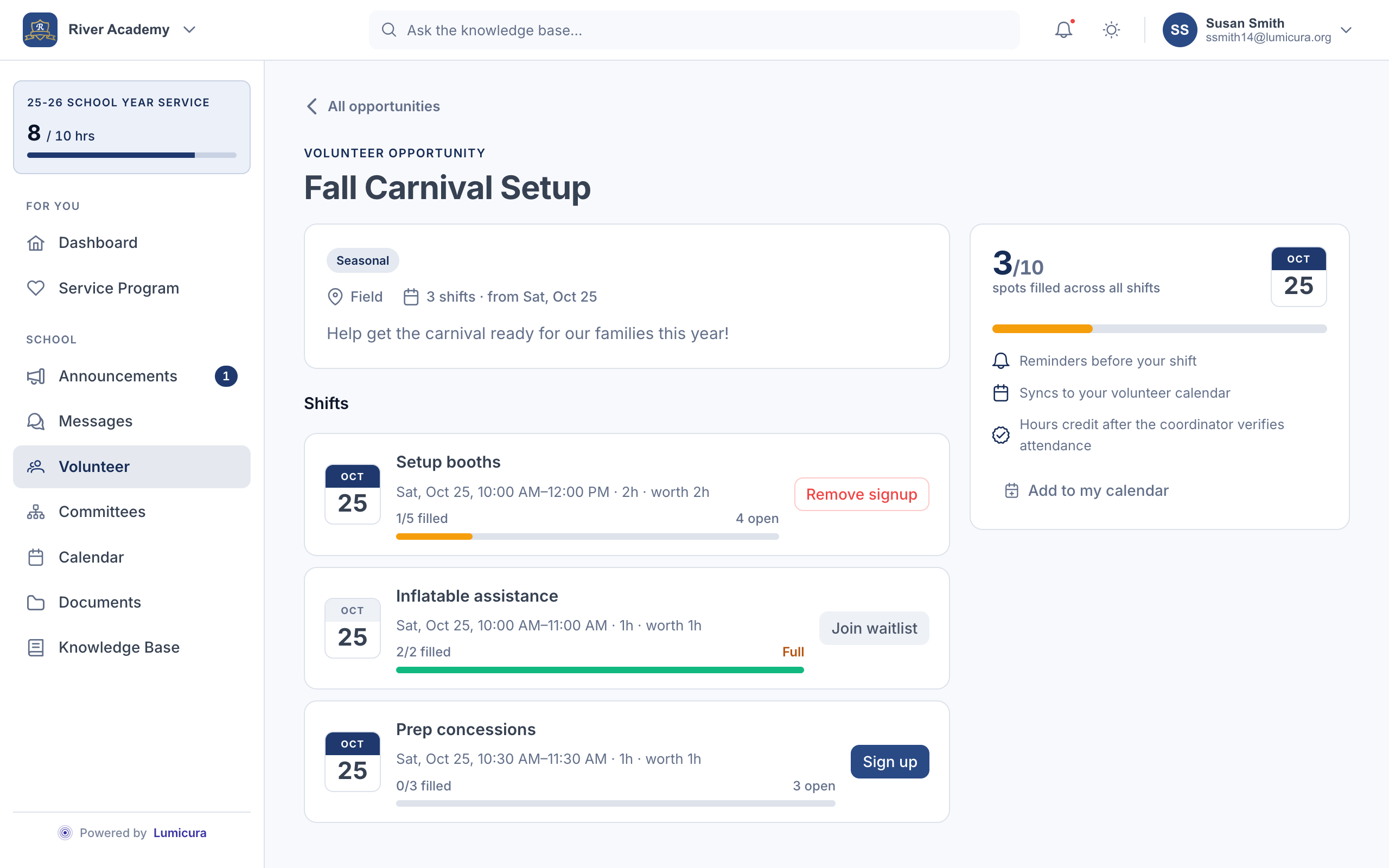
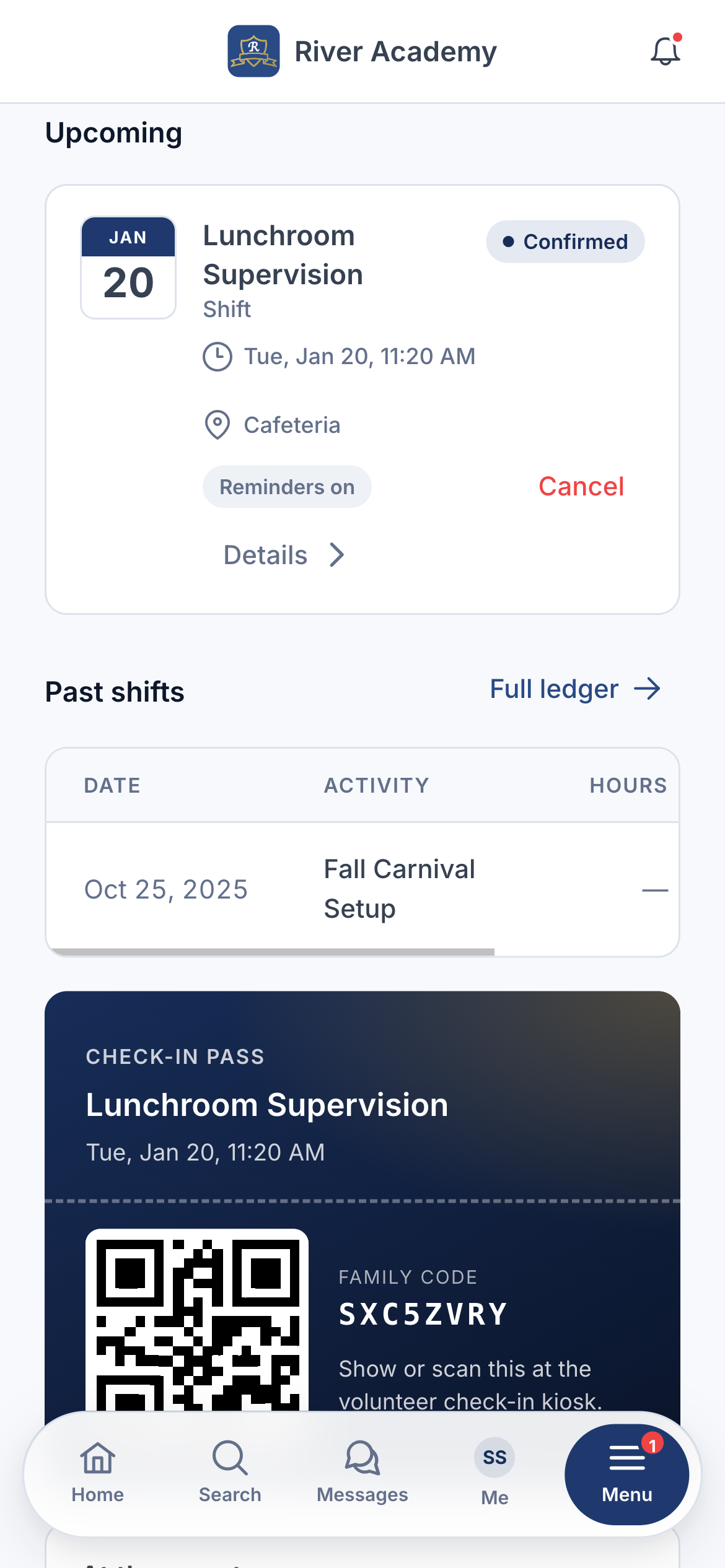
Post a shift with the date, time, and how many helpers you need. Parents sign up in two taps. At the event, they scan a QR code to check in — and their hours land on their family's tally on the spot.
- Sort and filter by category — athletics, arts, fundraising, liturgy — so parents find shifts they actually want.
- QR check-in at the door. Hours credit the family automatically.
- Waitlists, swap requests, and a clean record of who showed up.
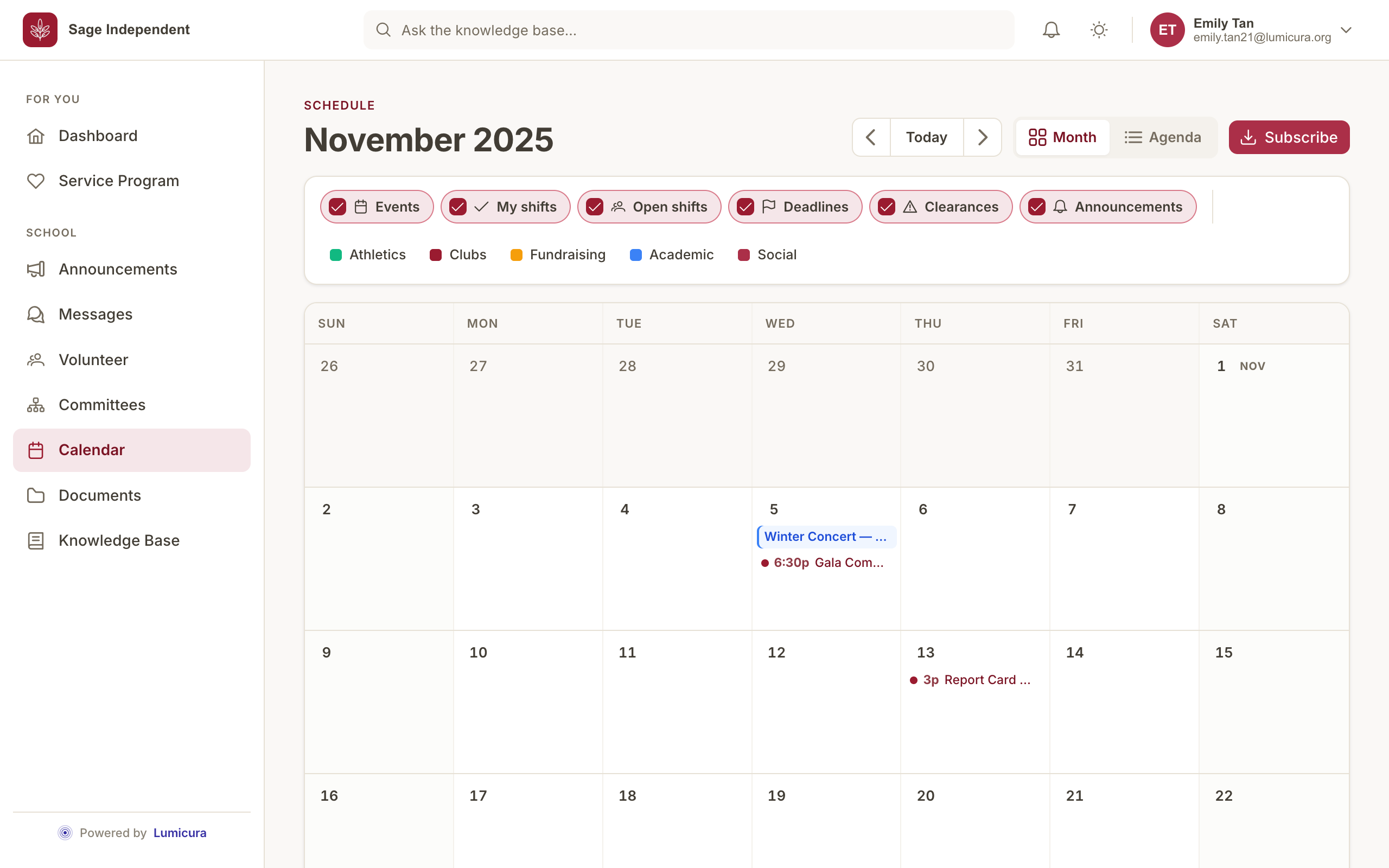
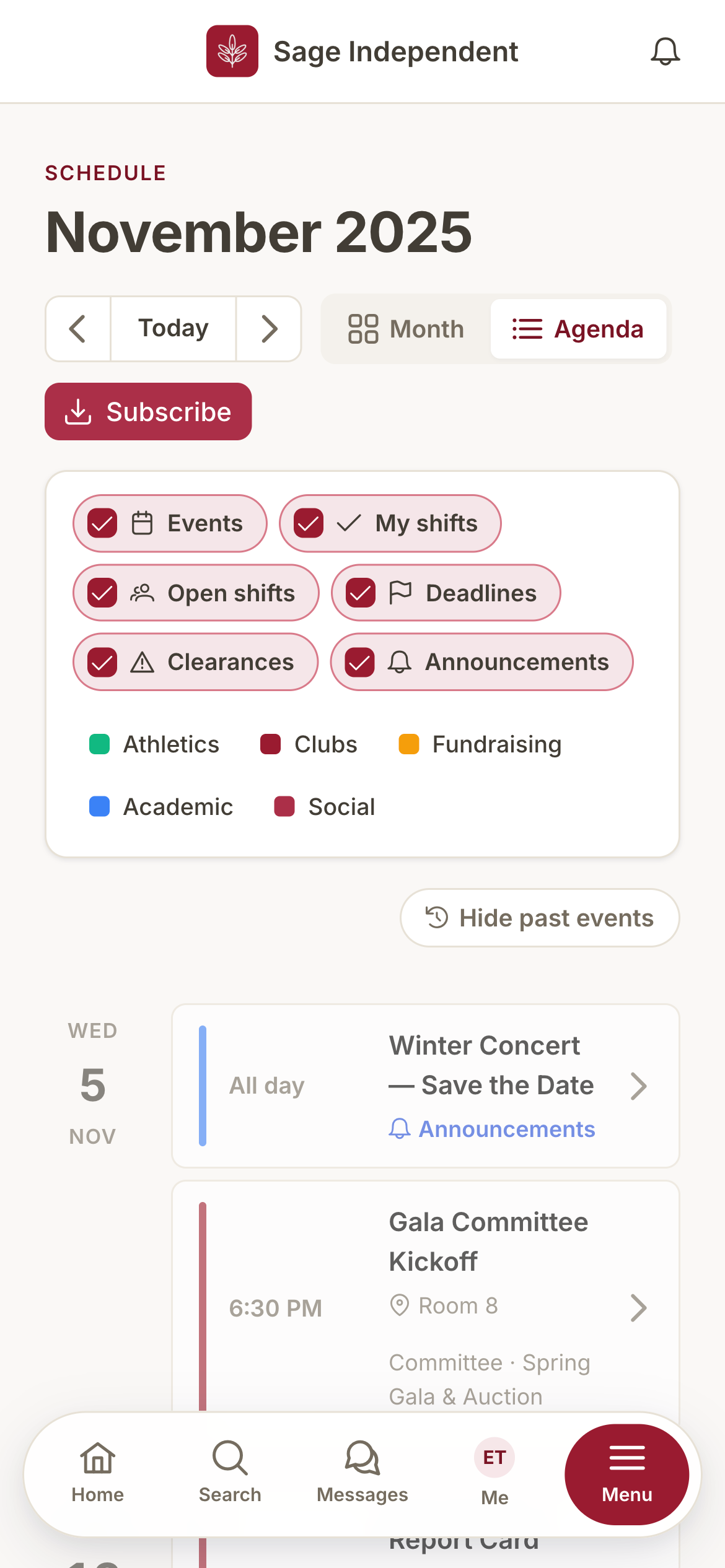
Everything with a date on it, in one place.
School events, committee meetings, volunteer shifts, and program deadlines all land on one calendar — color-coded by type and filtered to just your family. Toggle any layer on or off; whatever doesn't apply to you never shows up.
- Subscribe once and it syncs to your phone — add the feed to Apple or Google Calendar, and a new snow day or a moved meeting just appears.
- Events keep your school's timezone, so "7 PM" stays 7 PM and repeating dates like "second Tuesday" never drift across daylight saving.
- A reminder lands the day before, and any change or cancellation pings the right families — quiet hours still apply.
- Open volunteer shifts and the ones your family has claimed sit right alongside the events.
Bylaws, forms, and handbooks — always the current version.
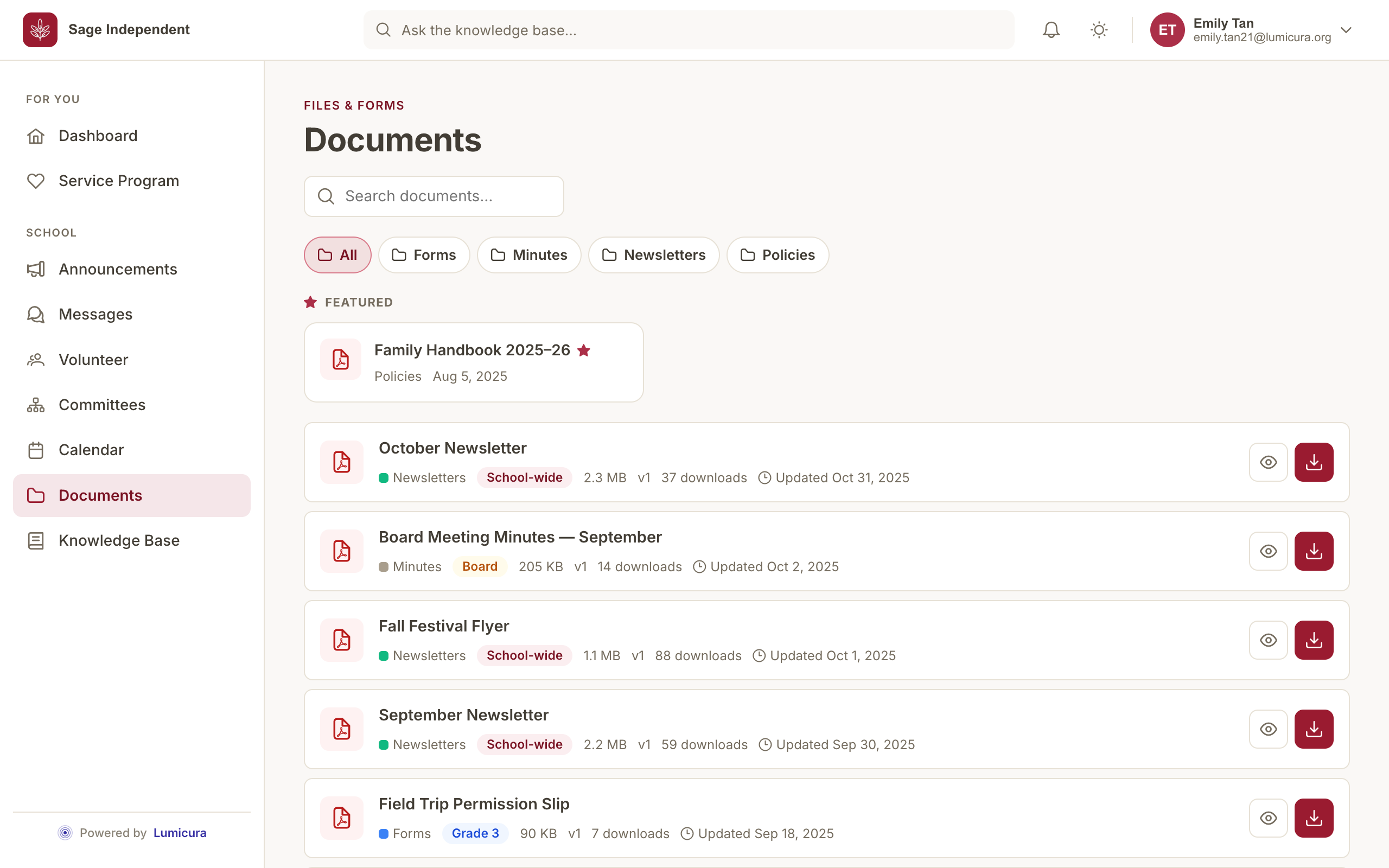
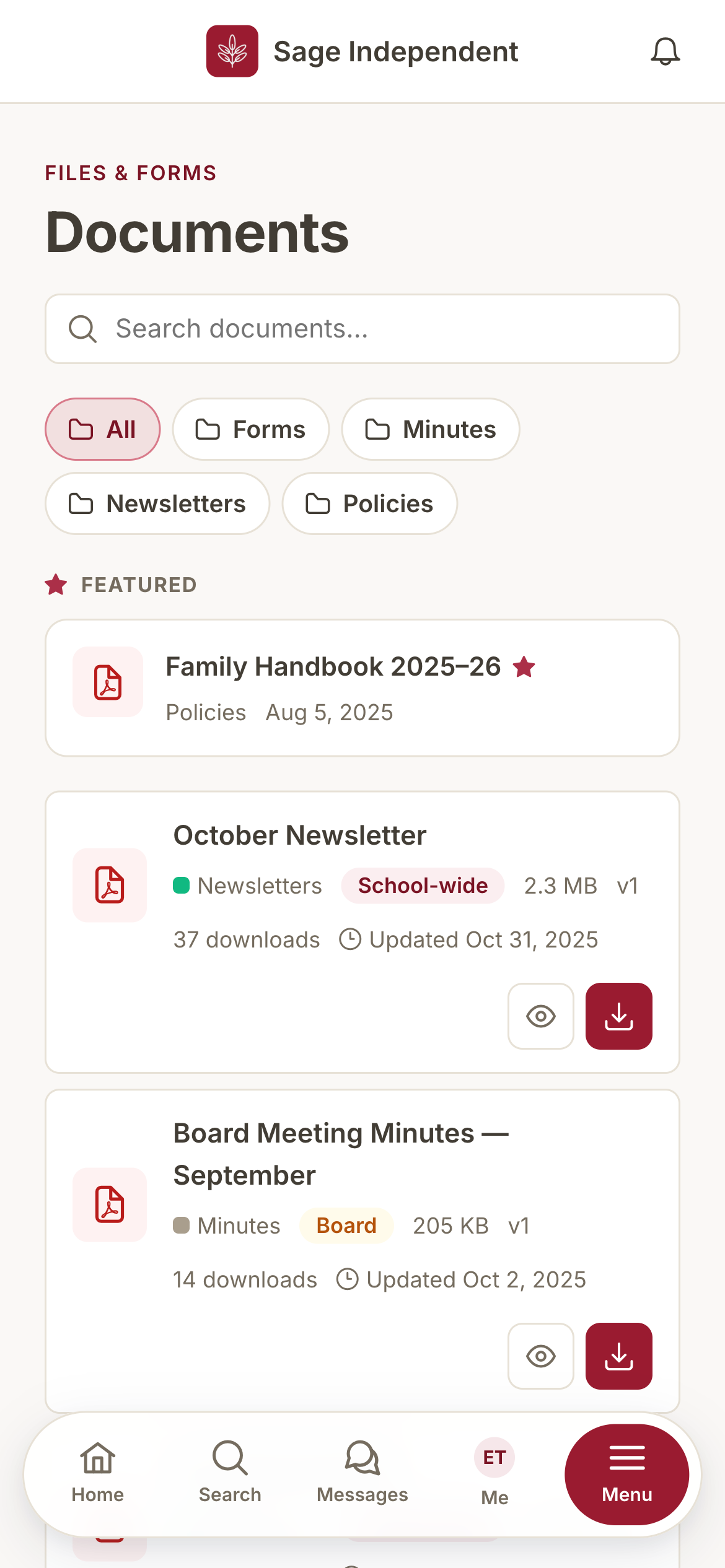
Every policy, form, newsletter, and set of minutes in one library, sorted into your school's own categories and pinned where parents will actually find them. No more emailing around "the latest" PDF or digging through a shared drive.
- Replace a file and the history stays — the last ten versions, who uploaded each, and when, with one-tap restore.
- Every upload is scanned for malware and only becomes downloadable once it's cleared.
- Scope each document to the whole school, a grade, a committee, or the board — parents only see what's theirs.
- Search by name, filter by category, and pin the handful everyone needs to the top.
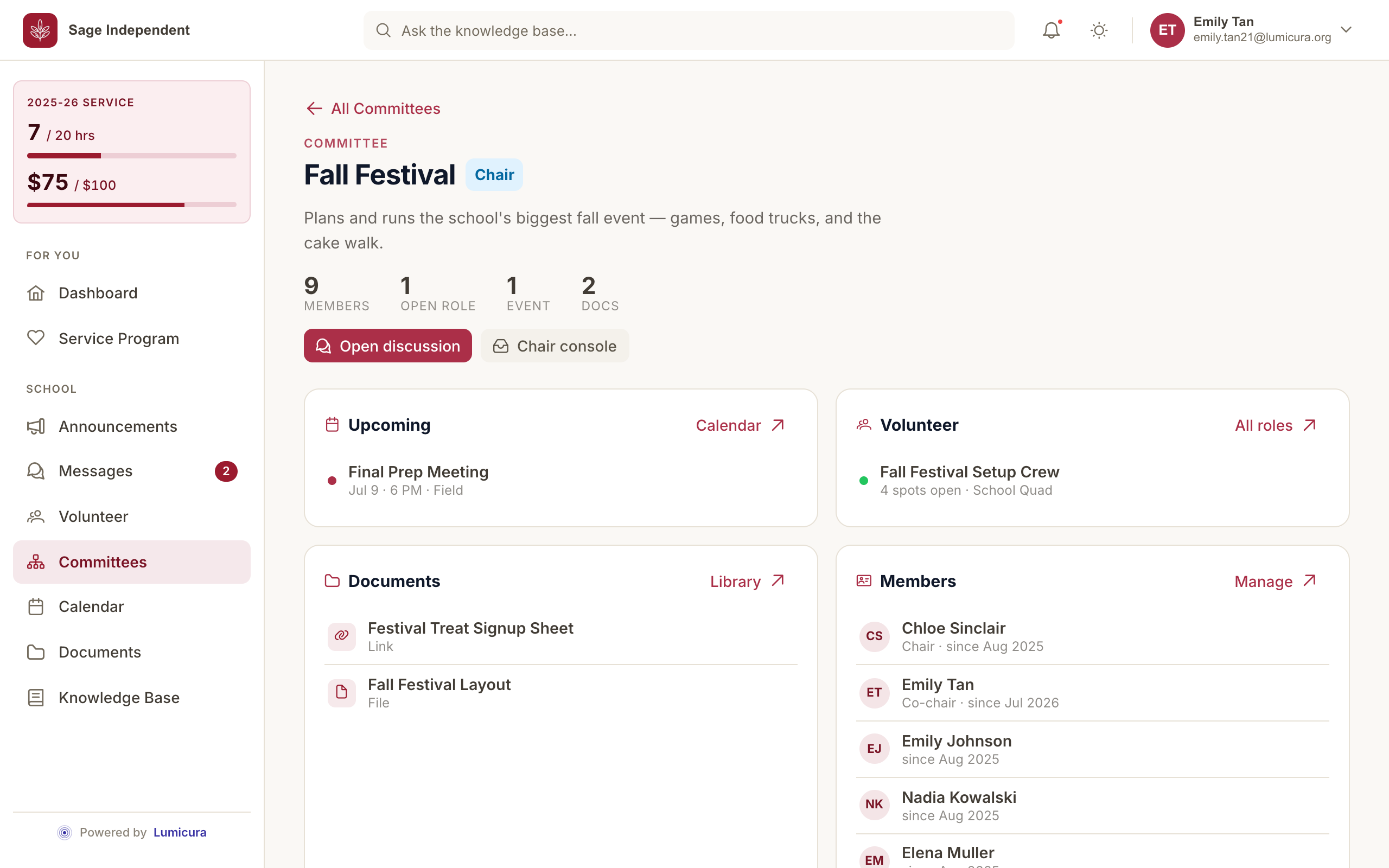
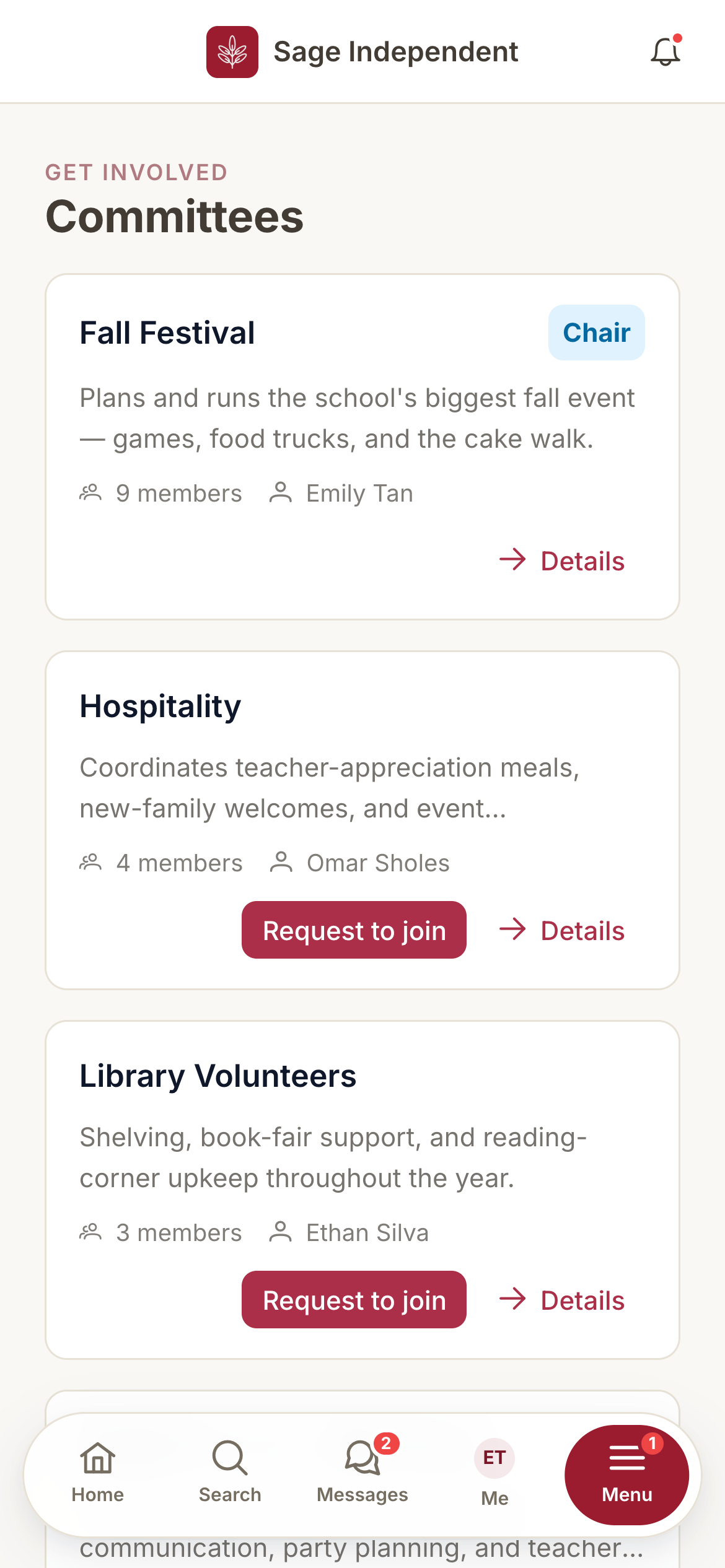
Every committee, its own little home.
The carnival crew, the auction team, the hospitality committee — each gets its own space with its members, its chat, its shifts, its events, and its documents. The chair runs it; the board can look in when they need to.
- Members, chat, volunteer shifts, calendar, and files — all scoped to the committee.
- The chair leads their own committee without needing full admin access.
- Board members keep read-only oversight, so nothing important happens in the dark.
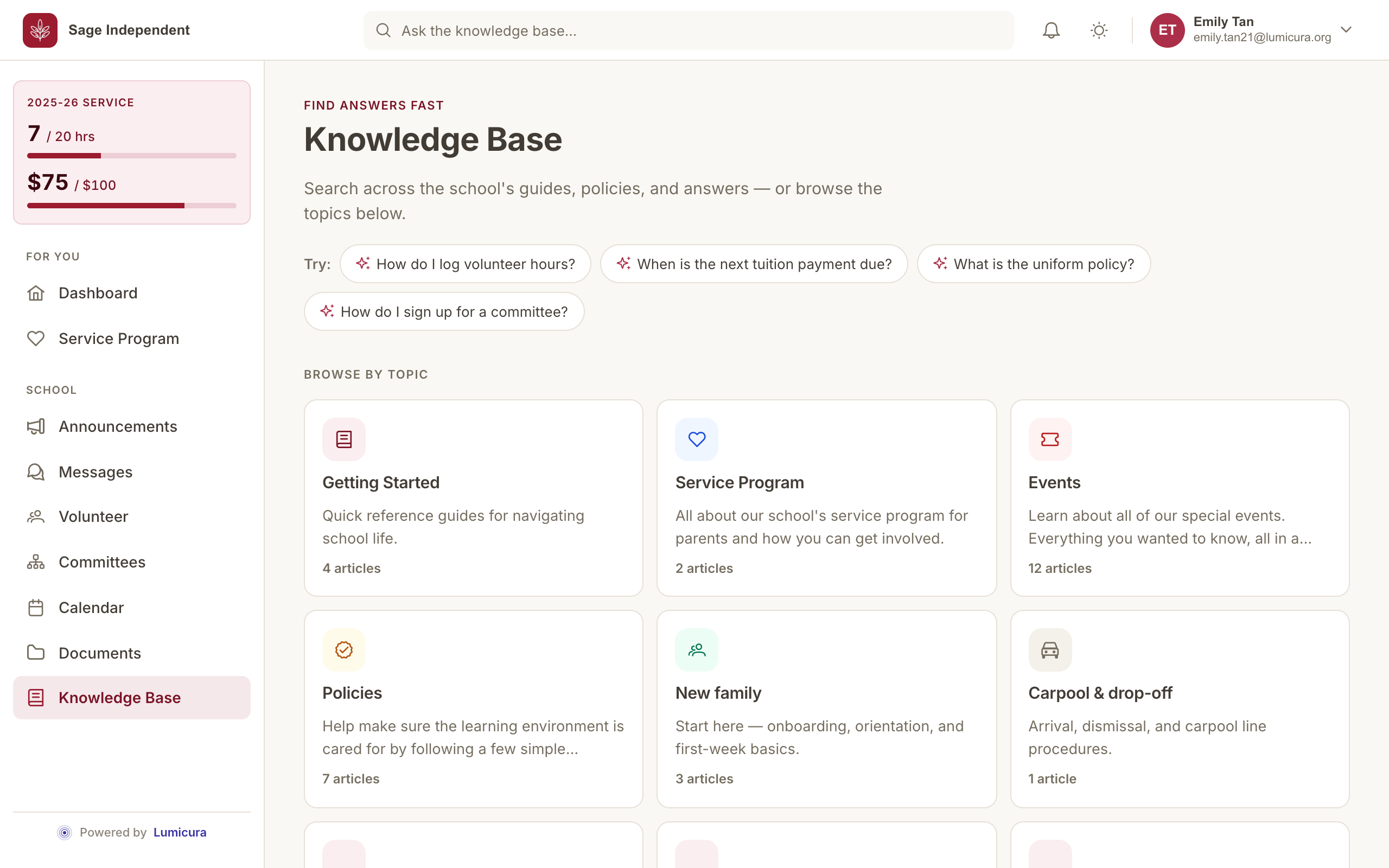
Ask a question, get your school's own answer.
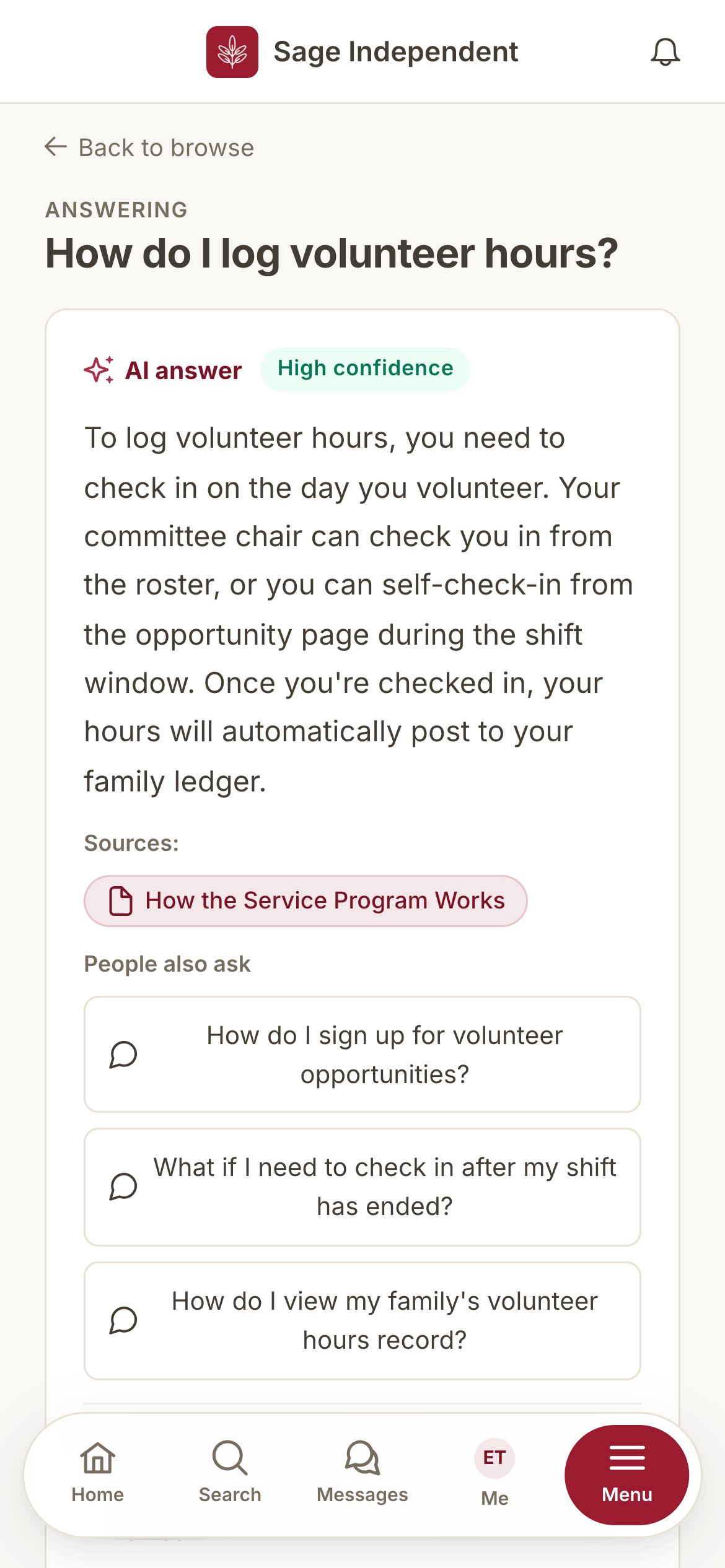
"How do I earn volunteer hours?" "When is the gala?" Parents ask in plain language and get a clear answer drawn from your school's own handbooks and FAQs — with a link to the page it came from. No more the-same-question-in-every-chat.
- Answers are grounded in your documents and cited, so parents can check the source.
- Ask in the family's language — answers come back translated.
- Admins see what parents keep asking, so they know which guide to write next.
Brand it. Label it your way. Hand it off cleanly.
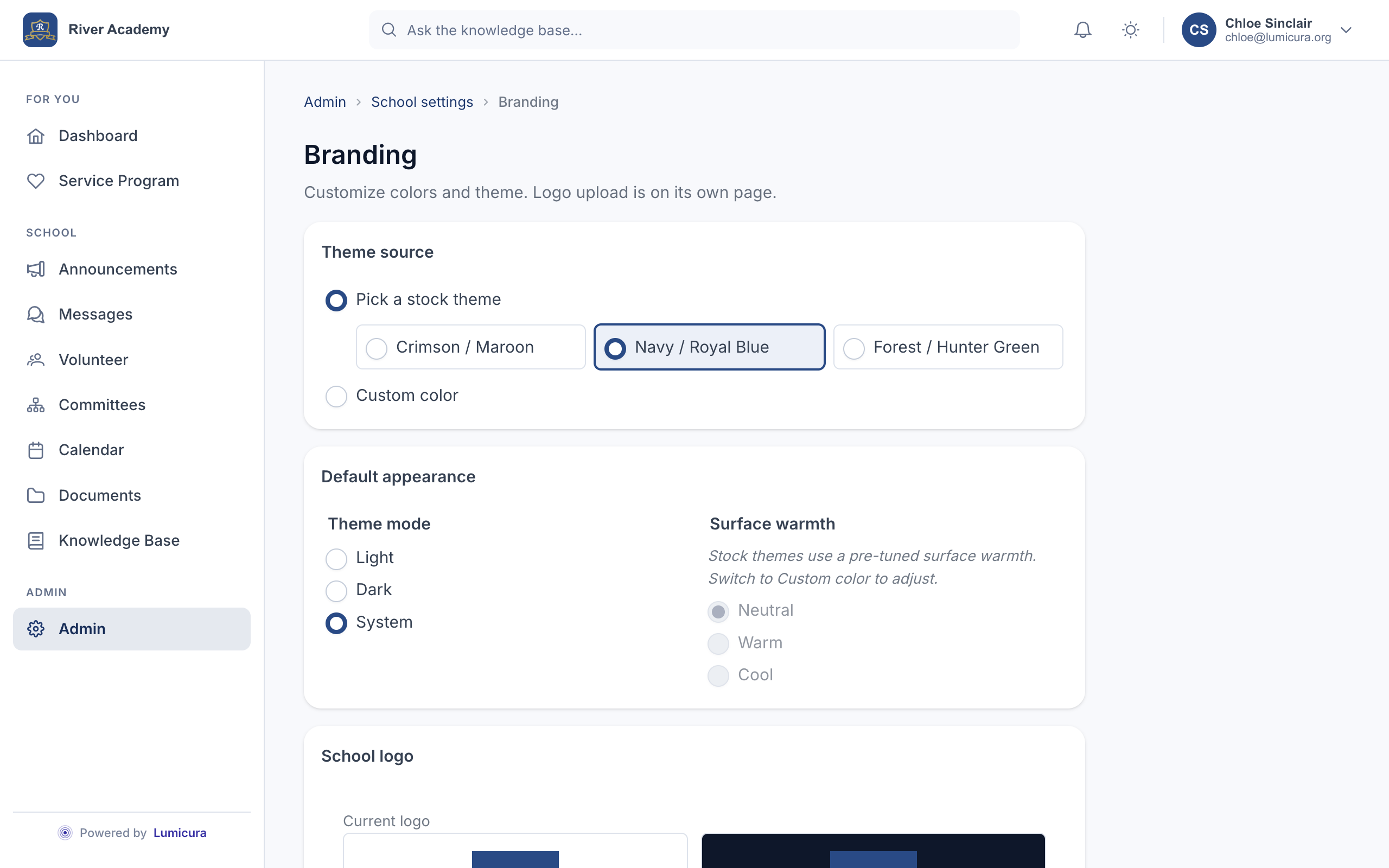
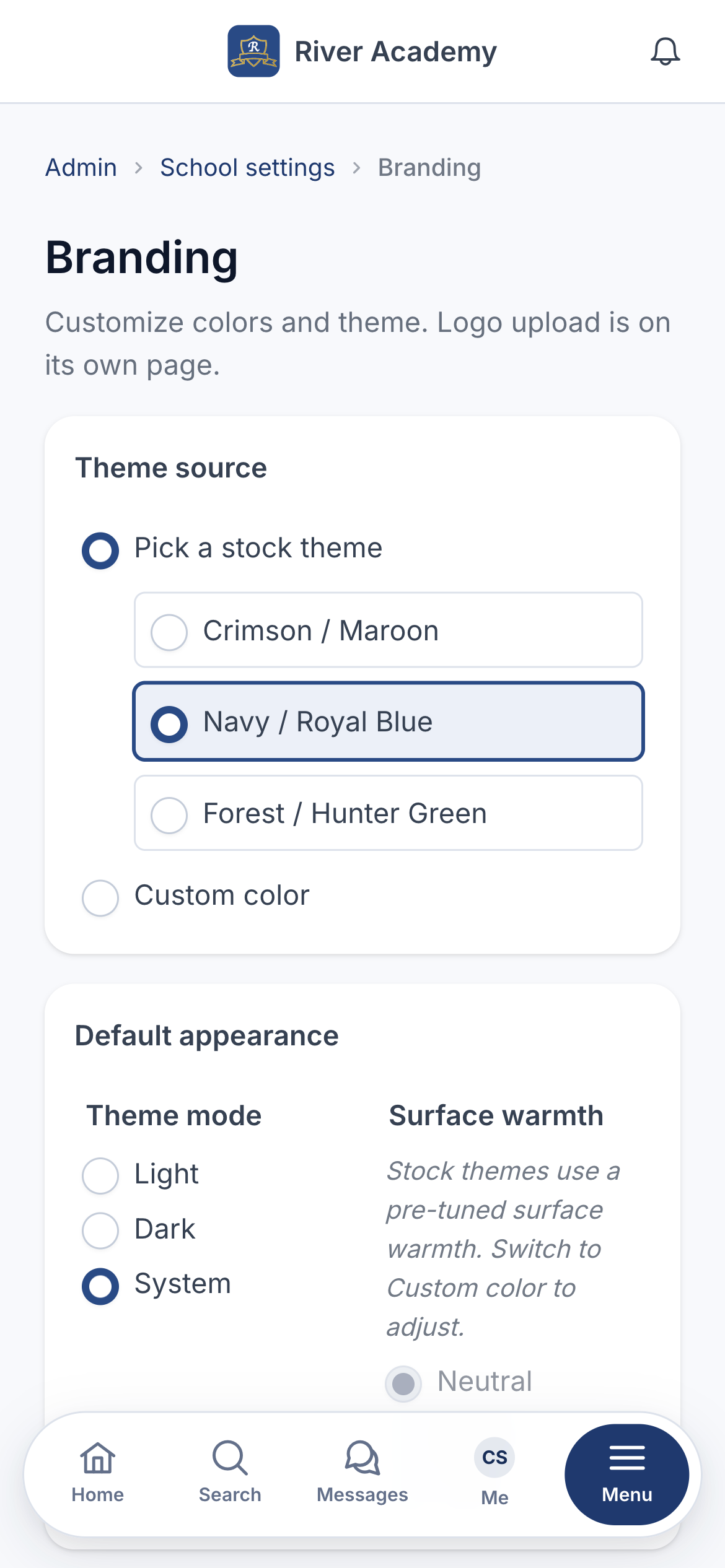
Pick from three ready-made themes — Crimson, Navy, Forest — or give us your school's color and we'll match it. Use your school's own words for things: "Points" becomes "Hours" or "Fundraising Program" everywhere at once. And every role on the board sees only what their job needs.
- A theme picker that takes minutes, not a designer.
- Rename anything to match your school's language — the whole app follows.
- Distinct roles for parents, staff, committee chairs, board members, and the president — each with the right access, no master Google account required.
The things you shouldn't have to ask for.
Every tool above shares one foundation — fast, private, and built for the phone in a parent's pocket, on a laptop at the kitchen table too.